Celebrating Pioneer Day: The Engineering Mindset Behind Tycon Systems®
Celebrating Pioneer Day: The Engineering Mindset Behind Tycon Systems®
Pioneer Day is a uniquely Utah occasion—a time to remember the people, communities, problem solving, and persistence that helped shape the state.
For Tycon Systems®, a Utah company focused on remote power and connectivity since 2008, it is also a useful opportunity to think about what a pioneering mindset looks like in engineering today. The comparison is not about romanticizing difficult conditions. It is about a practical habit that remains relevant: understand the problem in front of you, work with the resources available, and build something that can perform in the real environment where it is needed.
Remote Power Problems Rarely Begin With a Product
A customer usually does not begin a remote infrastructure project by asking for a particular model number.
The real questions sound more like:
- How do we power a camera where there is no utility service?
- How do we keep a wireless link running during an outage?
- How much battery capacity does this sensor station need?
- How do we get PoE power from a 12V or 24V battery?
- How do we monitor equipment located hours away?
- How can we deploy cameras or communications temporarily without permanent infrastructure?
- What happens when winter, shading, heat, wind, or equipment changes affect the system?
Those are system-design questions. They require understanding the site and the equipment before deciding which hardware belongs in the solution.
Start With the Site and Build From There
Sun exposure, weather, mounting, available space, service access and the equipment load all shape a remote system before a specific part number should be selected.
Step 1: Understand Where the Equipment Will Operate
A system that works perfectly on a workbench may face very different conditions once it is installed on a pole, trailer, rooftop, utility site, construction project, mountain location, industrial yard, or remote field station.
Site conditions can affect:
- Available solar energy
- Battery performance
- Enclosure temperature
- Wind and structural loading
- Cable distance and voltage drop
- Wireless line-of-sight
- Exposure to moisture, dust and corrosion
- How easily technicians can reach and service the installation
The environment is therefore part of the electrical design—not something to consider after the hardware has already been chosen.
Step 2: Define the Real Equipment Load
Cameras, wireless radios, routers, sensors, switches, controllers, heaters, lighting and communications equipment each bring their own voltage and power requirements.
A reliable system needs to account for all of them.
Useful inputs include:
- Operating voltage
- Typical and maximum wattage
- Operating hours per day
- Continuous versus intermittent operation
- PoE requirements
- Cold-weather or nighttime power increases
- Future equipment that may be added later
Once the load is understood, the power source, battery reserve and supporting electronics can be designed around what the application actually requires.
Step 3: Choose the Right Power Architecture
Different field problems require different solutions. One of the most important engineering decisions is determining what type of power problem actually exists.
No Reliable Primary Power
If utility power is unavailable, the site may need a complete off-grid power source. RemotePro® systems combine solar generation, battery storage, charge control, outdoor protection and mounting for cameras, radios, sensors and other field equipment.
Primary Power Exists but Cannot Be Interrupted
If AC, DC or PoE power already exists but the equipment needs to remain online during outages, UPSPro® provides outdoor battery-backup options.
Network Equipment Needs the Correct Power
Cameras, access points, radios, routers and other Ethernet devices may require PoE, voltage conversion or DC power distribution. Tycon Power® provides the network-power layer for those applications.
The Power System Needs to Move
Temporary security, construction, events, communications and field operations may need a complete transportable platform. MobileSolarPro® combines solar generation, battery storage and field equipment on trailer and skid platforms.
Engineering Happens Close to the People Building the System
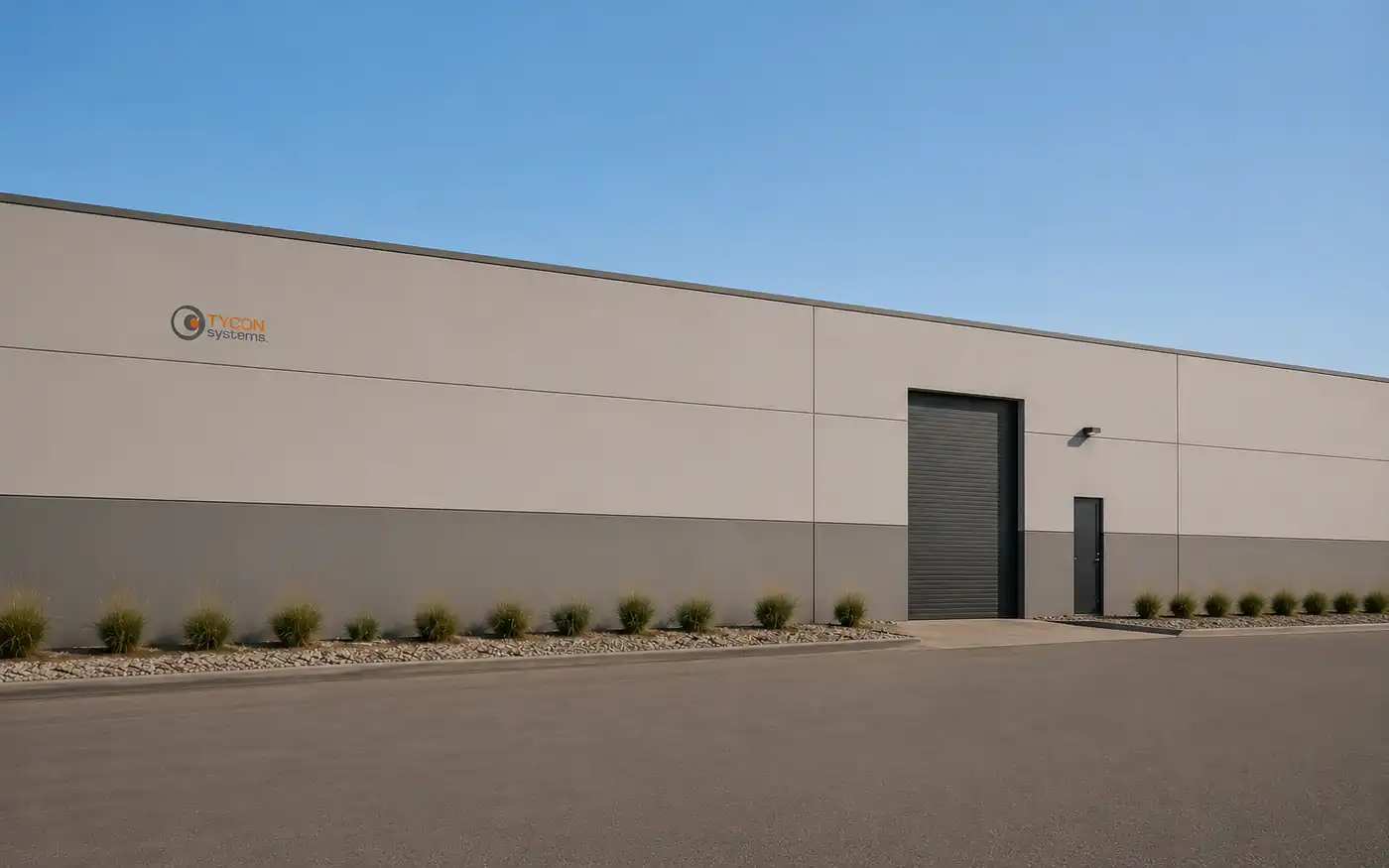
Tycon Systems® was founded in Utah in 2008 and continues designing, assembling, supporting and improving remote power and connectivity products from Bluffdale.
Keeping engineering connected to real installations matters because many improvements come from details that are easy to overlook on a specification sheet: where a cable enters an enclosure, how a bracket mounts to a pole, how batteries can be serviced, whether connectors remain accessible, or how installers will actually assemble the system in the field.
Step 4: Design for Installation, Not Just Operation
A system has to do more than work electrically. Someone has to transport it, mount it, connect it, commission it and eventually service it.
Practical design questions include:
- Can the enclosure be mounted safely at the site?
- Can technicians reach the batteries and protection devices?
- Are cables protected and properly routed?
- Can the solar array be oriented without creating shading problems?
- Are connectors clearly identified?
- Can equipment be replaced without rebuilding the entire installation?
- Is the documentation available when someone returns years later?
These details may not be the most visible part of engineering, but they often determine how successfully a system performs over its working life.
When Equipment Is Miles Away, Small Details Become Big Ones
A connector that is difficult to reach, an undersized battery, an overlooked communications load or a poorly positioned panel may seem minor during design. At a remote installation, each can become a costly service problem.
Step 5: Make the System Serviceable
Remote equipment will eventually need inspection, troubleshooting, battery service, firmware updates, cleaning or component replacement.
Designing for service from the beginning can make those future tasks much easier.
That can mean:
- Using accessible fuses and disconnects
- Providing clear wiring documentation
- Selecting components with understandable diagnostics
- Making battery replacement practical
- Providing remote monitoring where it adds value
- Keeping manuals, firmware and support information available
Tycon Systems® maintains a Support Portal with product documentation, firmware, calculators, troubleshooting resources and direct support options.
Step 6: Learn From What Happens in the Field
Remote installations provide feedback that laboratory testing alone cannot reproduce.
Different climates, equipment combinations, mounting arrangements and customer applications expose practical issues that can influence future product design.
That feedback loop—design, build, deploy, support, improve—is one of the most useful forms of engineering experience.
Innovation Does Not Always Mean Adding More Technology
It is easy to equate innovation with adding features. In remote infrastructure, the better solution is sometimes simpler.
Improvement might mean:
- Reducing the equipment load
- Eliminating an unnecessary power conversion stage
- Using PoE instead of separate power cabling
- Choosing a better mounting location
- Increasing battery autonomy rather than oversizing everything else
- Making the enclosure easier to service
- Selecting a standard system instead of creating unnecessary customization
Good engineering is ultimately about solving the problem effectively, not making the solution more complicated than it needs to be.
Six Questions Before Choosing a Remote Power System
1. What equipment needs to operate?
2. Where will it be installed?
3. What primary power, if any, is already available?
4. How long must the equipment operate without that power source?
5. What weather, mounting and communications conditions affect the site?
6. How will the system be installed, monitored and serviced after deployment?
Supporting the People Who Keep Remote Infrastructure Running
Tycon® products are used by installers, integrators, wireless ISPs, security professionals, municipalities, utilities, industrial operators and enterprise teams responsible for field equipment.
Their applications vary widely, but the underlying requirement is remarkably consistent: equipment that has to keep working after the installation crew leaves.
That requirement is what connects off-grid solar, outdoor battery backup, PoE, DC conversion, monitoring, wireless infrastructure and mobile power under one engineering approach.
A Pioneer Day Perspective on Modern Engineering
Pioneer Day is rooted in Utah history, while today's engineering challenges are obviously very different from those faced by earlier generations.
What remains relevant is the value of practical problem solving: understanding local conditions, making careful use of available resources, adapting when circumstances change, and creating infrastructure that supports the people who depend on it.
For Tycon Systems®, that mindset means continuing to improve how remote cameras, radios, networks, sensors and field equipment are powered and connected—one installation at a time.
Tycon Systems® Engineering FAQs
Where is Tycon Systems® based?
Tycon Systems® is based in Bluffdale, Utah, where the company develops, assembles and supports remote power and connectivity products.
When was Tycon Systems® founded?
Tycon Systems® was founded in Utah in 2008.
What types of problems does Tycon Systems® solve?
Tycon® focuses on powering and connecting cameras, radios, network equipment, sensors, monitoring hardware and other field electronics where conventional power is unavailable, unreliable or difficult to use.
Does every remote site need solar?
No. A site without dependable primary power may need RemotePro® off-grid solar. A site that already has AC, DC or PoE power but needs outage protection may be better suited to UPSPro®. The correct architecture depends on the actual problem.
Can Tycon Systems® help design a system around existing equipment?
Yes. Useful starting information includes the equipment models, voltage, wattage, operating schedule, installation location, desired backup runtime, communications requirements and environmental conditions.
Does Tycon® support systems after installation?
Yes. Tycon Systems® provides documentation, calculators, firmware, troubleshooting resources and direct technical support for compatible products and systems.
Start With the Site and the Equipment
Tell Tycon Systems® what needs to run, where it will be installed, how it is powered today, and how long it needs to operate. The team can help determine whether the right path is off-grid solar, battery backup, PoE, DC power or a mobile system.
Request a System Design → About Tycon Systems®