Best Practices for Solar System Maintenance and Longevity
Best Practices for Solar System Maintenance and Longevity
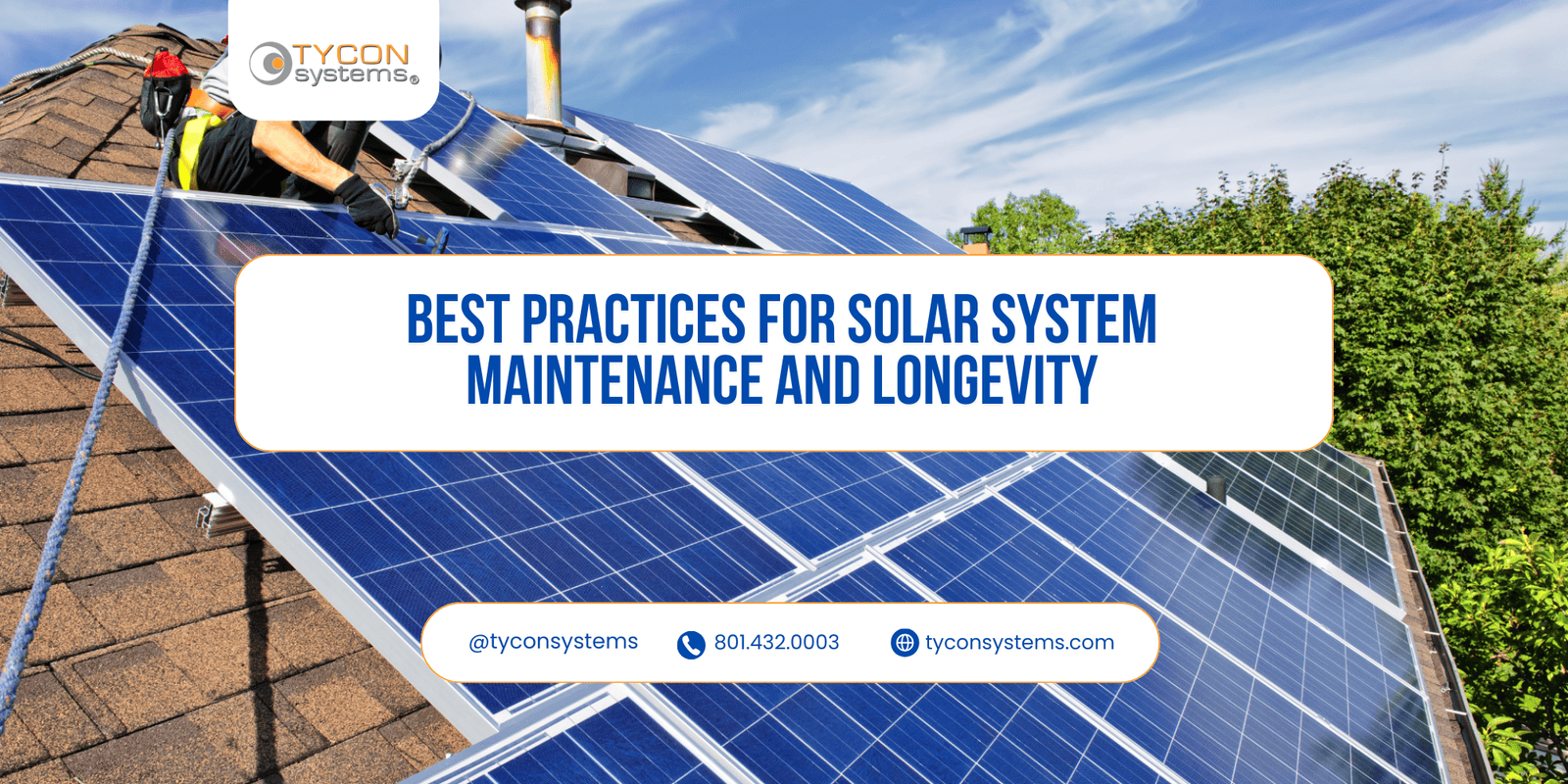
Solar power systems can operate for years with relatively little routine attention, but low maintenance does not mean no maintenance. Panels, batteries, charge controllers, wiring, mounting hardware, enclosures, and connected equipment are all exposed to changing environmental and operating conditions.
For remote cameras, wireless networks, industrial monitoring equipment, sensors, telemetry, and other field infrastructure, preventive maintenance is especially valuable because a small problem can become an expensive service call when the installation is difficult to reach. A practical maintenance program focuses on identifying changes early, documenting system condition, and correcting problems before they cause loss of power.
Solar Maintenance Starts With a Baseline
One of the most useful maintenance practices is recording how the system behaves when it is operating normally. That baseline makes future troubleshooting much easier.
Useful baseline information can include:
- Battery voltage at known states of charge
- Solar-array voltage and charging current
- Normal equipment load current
- Charge-controller operating status
- Typical enclosure temperature
- Normal communications or monitoring status
- Installation photographs and service dates
Maintenance becomes much more effective when technicians can compare the current condition to known-good operating data instead of evaluating each visit in isolation.
1. Inspect Solar Panels for Dirt, Shading and Damage
Solar panels require unobstructed sunlight to produce their expected energy. Dust, pollen, bird droppings, leaves, snow, vegetation, and new sources of shading can reduce output even when the electrical system itself is operating correctly.
During inspection, check for:
- Surface contamination
- Cracked glass or visible physical damage
- Loose frame or mounting hardware
- Vegetation or structures creating new shading
- Damaged PV cables or connectors
- Water, ice or debris collecting around the installation
Cleaning frequency should be based on the environment rather than a fixed calendar. A desert site may require more frequent attention than a location where rainfall regularly removes light surface contamination.
When cleaning is required, follow the panel manufacturer's recommendations and avoid abrasive materials or methods that could damage the module surface.
2. Check Solar Mounts and Structural Hardware
Panel output is only useful if the array remains mechanically secure. Wind, vibration, temperature cycling, snow loads, corrosion, and repeated service work can affect mounting hardware over time.
Inspect:
- Pole and wall mounting hardware
- U-bolts, clamps and fasteners
- Panel frame attachment points
- Signs of corrosion or movement
- Cable strain relief near the array
Any loose or damaged structural hardware should be corrected according to the mounting-system instructions and site requirements.
3. Monitor Battery Condition
Battery condition has a major effect on off-grid system runtime. A solar array may still be producing normally while an aging or damaged battery bank provides less usable storage than it did when installed.
Battery inspection can include:
- Resting and operating voltage
- Charging behavior
- Terminal and cable condition
- Signs of swelling, leakage or physical damage
- Battery temperature
- Changes in expected system runtime
Battery maintenance depends on chemistry. Sealed lead-acid and LiFePO4 batteries have different charging, temperature, storage, and inspection requirements, so the battery manufacturer's instructions should determine the maintenance procedure.
Browse Tycon Solar® batteries when replacement capacity or chemistry needs to be evaluated.
4. Verify Solar Charge Controller Operation
The charge controller regulates energy moving from the solar array into the battery bank and may also provide load-control functions. Incorrect settings, damaged wiring, abnormal PV voltage, or battery problems can all appear as charging issues.
During maintenance, verify:
- Controller operating status
- PV input voltage
- Battery charging voltage
- Charging current under appropriate solar conditions
- Battery-type settings
- Load-control or low-voltage-disconnect settings
- Fault codes or unusual display information
Compare Tycon Solar® solar charge controllers when an existing controller needs replacement or the system requirements have changed.
5. Inspect Outdoor Enclosures and Cable Entries
Outdoor enclosures protect batteries, controllers, networking equipment, power electronics, and wiring from the surrounding environment. Their condition is therefore part of the power-system maintenance program.
Check:
- Door gaskets and enclosure seals
- Cable glands and feedthroughs
- Evidence of water or condensation
- Corrosion or physical damage
- Ventilation openings
- Thermostatically controlled fans where fitted
- Battery restraints and internal mounting
- Signs of insects, rodents or other wildlife intrusion
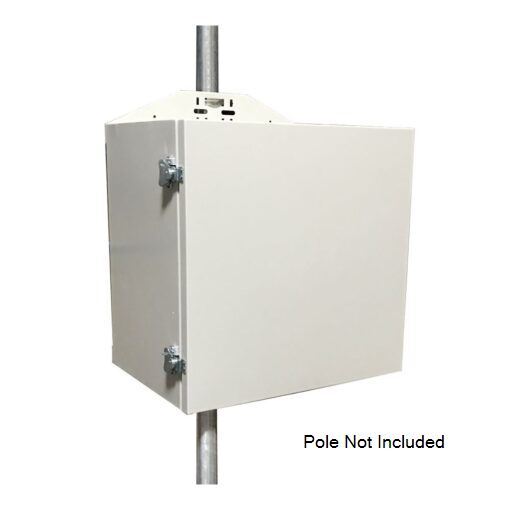
Tycon® outdoor equipment enclosures are available for batteries, solar hardware, networking equipment, and remote electronics in field installations.
6. Check Wiring, Connections and Electrical Protection
Remote power systems contain multiple connections between panels, controllers, batteries, loads, converters, PoE equipment, and protection devices. Loose, corroded, damaged, or overheated connections can create intermittent faults and voltage loss.
Inspect wiring for:
- Loose terminals
- Corrosion or discoloration
- Damaged cable insulation
- Improper strain relief
- Damaged connectors
- Fuse and breaker condition
- Evidence of overheating
Any electrical work should follow the equipment documentation and applicable installation requirements.
7. Use Remote Monitoring to Catch Changes Early
Monitoring becomes increasingly valuable as the distance and cost of visiting a site increases. A technician may not need to travel to a remote installation simply to discover that battery voltage is low or charging current has changed.
Depending on the system, useful remote data can include:
- Battery voltage
- Charge and discharge current
- Controller status
- Temperature
- Load or relay state
- Historical operating data
Remote monitoring does not replace physical inspection, but it can help identify unusual behavior between service visits and give technicians better information before they travel to the site.
Look for Change, Not Just Failure
A battery that still powers the load may nevertheless be losing capacity. A solar panel may still generate energy while producing less than expected. A cable connection may still work while developing corrosion. Maintenance is most useful when it identifies those changes before the system stops operating.
8. Adjust Maintenance for the Environment
There is no single maintenance schedule that fits every remote solar installation. Environmental exposure should determine how frequently the system needs attention.
Dust and Desert Sites
Dust can reduce panel output and enter damaged or improperly sealed equipment. Panel cleanliness, cable glands, filters, vents, and enclosure condition may need more frequent inspection.
Cold and Snowy Locations
Snow accumulation, ice, battery-temperature performance, freeze-thaw cycles, and changing winter solar conditions should be included in seasonal inspection planning.
Coastal or Humid Locations
Salt, humidity, condensation, and corrosion can affect exposed hardware, connectors, mounting systems, and enclosure components. Maintenance frequency should reflect the actual exposure level.
Vegetated or Agricultural Sites
Growing vegetation can introduce new shading and can interfere with wiring or equipment access. Seasonal site changes should be considered even when the solar hardware itself has not changed.
9. Keep a Maintenance Record
Service records are especially useful when different technicians may visit the same site over several years.
Record items such as:
- Inspection date
- Measured battery voltage
- PV and charging measurements
- Controller status
- Repairs or replacements
- Panel cleaning
- Photographs
- Changes in the site or connected equipment
Historical data can make it easier to identify slow degradation and determine whether a component is approaching replacement.
10. Replace Components Based on Condition and Requirements
Different solar-system components age differently. Battery service life depends heavily on chemistry, temperature, cycling, charging, depth of discharge, and operating conditions. Solar modules, controllers, fans, connectors, and electronic equipment have their own service considerations.
For that reason, a fixed lifespan should not be applied to every installation. Replacement decisions should consider measured performance, manufacturer specifications, operating history, site conditions, and the consequences of unexpected failure.
Critical sites may justify replacing a declining battery or damaged component before complete failure, while less critical installations may tolerate a different maintenance strategy.
Maintaining Complete RemotePro® Systems
A complete off-grid system brings solar generation, battery storage, charge control, enclosure protection, mounting, cabling, and the connected equipment together. Maintenance should therefore evaluate the system as a whole rather than concentrating on one component.
RemotePro® off-grid solar power systems provide integrated configurations for cameras, radios, sensors, monitoring equipment, communications systems, and other remote electronics. Current RemotePro® systems combine solar generation, battery storage, charge control and weatherproof hardware for field installations.
Start With the Support Resources
If a system is behaving differently than expected, gather the product model, load information, battery voltage, controller status, recent changes, and any relevant photographs before troubleshooting.
Visit the Support Portal → Search the Knowledge BaseSolar System Maintenance FAQs
How often should solar panels be cleaned?
Clean panels when environmental buildup is affecting the array or when inspection shows meaningful dirt, debris, bird droppings, snow, or other contamination. The required frequency varies considerably by location.
How often should a remote solar system be inspected?
Inspection frequency should be based on site conditions, equipment criticality, environmental exposure, historical performance, and the manufacturer's recommendations. Remote monitoring can help determine whether an additional field visit is needed between scheduled inspections.
What is the most common component to monitor in an off-grid system?
Battery condition deserves particular attention because loss of usable battery capacity directly reduces runtime when solar production is unavailable. Solar input, controller operation, wiring, and the equipment load should also be evaluated when performance changes.
Do sealed batteries require maintenance?
Sealed batteries do not require the same electrolyte maintenance as flooded batteries, but their voltage, connections, temperature, physical condition, charging behavior, and available capacity should still be monitored.
Can remote monitoring replace physical maintenance?
No. Monitoring can reveal electrical and operating changes, but it cannot identify every physical issue such as loose mounting hardware, damaged seals, new shading, corrosion, wildlife damage, or panel contamination.
How can I make a remote solar system last longer?
Proper initial sizing, correct charging settings, appropriate battery selection, environmental protection, good cable installation, regular inspection, monitoring, and early replacement of deteriorating components all contribute to reliable long-term operation.
Protect Reliability Before a Small Problem Becomes a Site Failure
Tycon Systems® provides documentation, support resources, replacement components, batteries, controllers, enclosures, and complete remote power systems for field installations.
Get Technical Support → Explore RemotePro®